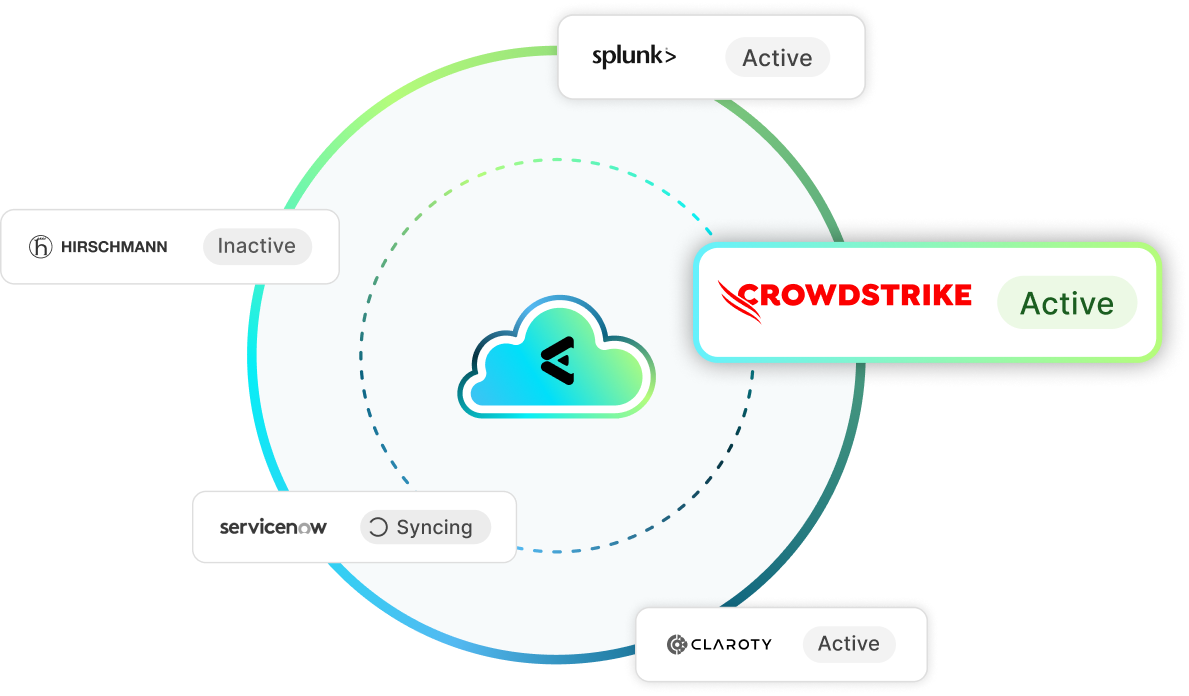



CrowdStrike + Elisity: Endpoint Intelligence and Microsegmentation Integration
CrowdStrike Falcon knows the security posture of every endpoint running its sensor. Elisity turns that knowledge into enforceable network policy, applied through the network infrastructure you already own. Together they extend least-privilege access to managed endpoints and to the unmanaged devices no agent can reach.
Support Documentation
Connect CrowdStrike
Step-by-step guide to authenticating the CrowdStrike Falcon API and enriching Elisity IdentityGraph with endpoint data.
CrowdStrike Classification Details
See which CrowdStrike attributes Elisity imports and how Zero Trust Assessment scores map to Policy Group match criteria.
Challenge
Lateral Movement Continues on the Devices EDR Cannot Reach
CrowdStrike Falcon is strong on managed IT endpoints. The Falcon sensor cannot install on an infusion pump, an MRI console, a building automation controller, a surgical robot, or a programmable logic controller on a plant floor. In healthcare and manufacturing, those unmanaged devices are not a rounding error. They are a large share of everything connected. When an attacker lands on a managed laptop, Falcon detects the intrusion and contains that host. What no endpoint agent can do is stop the pivot into the flat network space where the unmanaged devices sit. Traditional segmentation does not close the gap either, because VLANs and access control lists are written against IP ranges rather than against what a device actually is or how CrowdStrike currently rates it. You end up with a detection layer that knows a device is compromised and a network layer with no way to act on it. That is the opening ransomware operators look for.
Elisity Solution
Contain the Blast Radius With CrowdStrike Signal Written Into Policy
Elisity turns CrowdStrike endpoint state into an enforceable network policy attribute. Every asset Elisity discovers is checked against the CrowdStrike API, and Elisity IdentityGraph™ records a Known in CrowdStrike attribute, set to Yes when an active Falcon agent is calling home. That attribute becomes Policy Group match criteria. Managed endpoints with a healthy sensor earn the access their role requires. Anything unmanaged lands in a least-privilege group by default, reachable only by the peers and services it legitimately needs. Enforcement runs through the network infrastructure you already own, east-west as well as north-south, with no agent on the protected device, no new appliance in the traffic path, and no re-IP. So when Falcon flags a managed host, the routes out of that host into the unmanaged fleet were already closed. See how Elisity helps teams block lateral movement across mixed IT, OT, and IoMT estates.
Challenge
Network Access Decisions Made Without Endpoint Security Context
The team writing segmentation policy rarely sees what the endpoint team sees. They have an IP address, a VLAN assignment, and possibly a DHCP hostname. They do not know whether the machine carries a Falcon sensor, whether that sensor is still reporting, what operating system build it runs, or how CrowdStrike currently scores its posture. Without that context, policy gets written one of two ways. Either access stays permissive enough that nothing breaks, which leaves the east-west paths an attacker wants wide open, or access is locked down on assumption and clinicians, engineers, and production lines start filing tickets. Both outcomes are expensive. Worse, whichever choice you make is frozen in place: an IP-based rule has no way to notice that a host stopped reporting to CrowdStrike three weeks ago, or that its posture score fell off a cliff yesterday.
Elisity Solution
CrowdStrike Attributes and Zero Trust Assessment Scores Enrich IdentityGraph
Elisity IdentityGraph™ imports the CrowdStrike attributes that matter for policy: hostname, os_version, product_type_desc, system_manufacturer, and system_product_name, along with the CrowdStrike Zero Trust Assessment score for each managed asset. Elisity bands that score into risk levels you can write policy against: below 40 is Critical, 40 to 59 is High, 60 to 79 is Medium, and 80 to 100 is Low. Those bands become Policy Group match criteria alongside device type, manufacturer, model, user identity, and location. A workstation whose posture degrades moves into a stricter Policy Group at the next enrichment cycle, and its access narrows without anyone editing a rule. Policy now reflects what a device is and how it is behaving rather than the subnet it happened to be plugged into. That is the difference between identity-based microsegmentation and address-based segmentation.
Challenge
Endpoint Security and Network Segmentation Run as Separate Programs
Most enterprises operate endpoint protection and network segmentation as two programs with two consoles, two data models, and two owners who meet during incidents. Neither system publishes its context to the other. So during a live investigation, someone exports a device list from one platform, someone else pulls the network inventory, and the correlation happens in a spreadsheet while the clock runs. By the time the two views reconcile, the asset data is already stale, because devices moved, sensors were reinstalled, and new hardware appeared. The same fragmentation shows up at audit time, when proving that a class of devices is actually restricted requires assembling evidence by hand from systems that were never designed to agree. None of this is a tooling failure. It is the predictable cost of asking two platforms that cannot see each other to enforce one security outcome.
Elisity Solution
One Console for Endpoint Context, Policy, and Enforcement
You connect CrowdStrike to Elisity by entering API credentials in the Elisity Cloud Control Center, and the enrichment runs on a repeating cycle: authenticate to the CrowdStrike API, retrieve current agent status and device records, transform that data into the Elisity model, and update IdentityGraph™. The cycle starts at 24 hours, so assets are continuously re-verified rather than inventoried once and trusted forever. Because the CrowdStrike-derived attributes, the Policy Groups, and the enforced policies all live in the same console, a responder can see exactly why a device matched a group and what it is permitted to reach, and an auditor can be shown the same view. Teams reach enforced policy in weeks rather than the months a VLAN redesign consumes, because the network infrastructure you already own does the enforcing and nothing new goes into the traffic path.
Explore Our Integrations
Elisity integrates with leading IT, OT, and IoT asset intelligence platforms. Combine deep device discovery and classification with identity-based microsegmentation enforced through your existing network infrastructure.
Device Intelligence / Risk Status
EDR / Risk Status
CMDB
Network Enforcement Point
User Identity / Device Metadata
SIEM
CrowdStrike + Elisity Integration FAQ
Get answers to common questions about how CrowdStrike Falcon integrates with Elisity to deliver endpoint-informed, identity-based microsegmentation across managed and unmanaged devices.
You connect CrowdStrike to Elisity by entering your CrowdStrike API credentials in the Elisity Cloud Control Center. Elisity then authenticates to the CrowdStrike API, retrieves current Falcon agent status and device records, transforms that data into the Elisity model, and writes it into Elisity IdentityGraph™. Those endpoint attributes become Policy Group match criteria for identity-based microsegmentation policies, which Elisity enforces through the network infrastructure you already own. No agent is installed on the protected device and no new hardware is added to the traffic path.
Elisity imports the CrowdStrike attributes that are useful for writing policy: hostname, os_version, product_type_desc, system_manufacturer, and system_product_name. Elisity also records a Known in CrowdStrike attribute, set to Yes when an active Falcon agent is present and calling home, and collects the CrowdStrike Zero Trust Assessment score for each managed asset. All of it lands in Elisity IdentityGraph™ next to the network, user, and directory context Elisity already holds, so a single Policy Group can match on endpoint posture and device identity at the same time.
Yes, and that is the main reason to pair the two. Infusion pumps, imaging systems, building automation controllers, surgical robots, printers, cameras, and programmable logic controllers cannot host an endpoint agent, yet they sit on the same network as the endpoints Falcon protects. Elisity discovers and classifies these devices without touching them and enforces least-privilege policy through your existing network infrastructure. Devices marked Known in CrowdStrike as No are automatically placed in restrictive Policy Groups, so the unmanaged fleet stops being the soft path an attacker uses to move laterally.
Elisity ingests the CrowdStrike Zero Trust Assessment score and bands it into risk levels that can be used directly as Policy Group match criteria: below 40 is Critical, 40 to 59 is High, 60 to 79 is Medium, and 80 to 100 is Low. You write one policy per risk band instead of maintaining lists of individual hosts. When an endpoint’s posture degrades, it moves into a stricter Policy Group at the next enrichment cycle and its permitted access narrows automatically, with no rule edits and no change window.
Connecting the two takes minutes: you enter CrowdStrike API credentials in the Elisity Cloud Control Center and endpoint data begins enriching IdentityGraph™ on a recurring cycle that starts at 24 hours. From there, most organizations move from connection to enforced microsegmentation policy in weeks rather than the months or years a traditional segmentation project takes. Elisity enforces through the network infrastructure you already own, so there is no re-IP, no VLAN redesign, no new appliance, and no endpoint agent rollout to schedule.
Resources

Extending CrowdStrike's Power: How Microsegmentation Secures the Devices EDR Can't Protect
Elevating IdentityGraph™: Introducing Elisity's Latest Integration with CrowdStrike